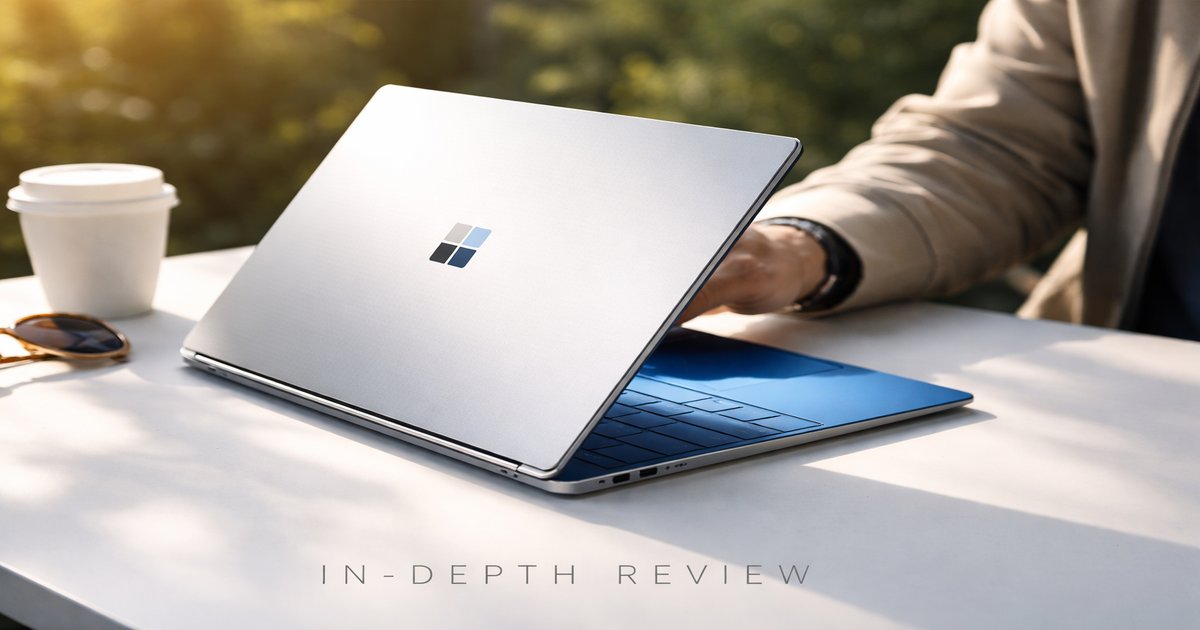
Imagine needing a device that transitions seamlessly from a portable tablet to a powerful laptop. The Windows Surface does just that, making it indispensable for anyone juggling work, travel, and creativity on the go.
| Feature | Specification |
|---|---|
| Price | $999 – $2,299 |
| Weight | 1.7 lbs (without Type Cover) |
| Battery Life | Up to 13.5 hours |
| Warranty | 1-year limited hardware warranty |
| Compatibility | Windows 10/11, Office 365 |
| Display | 12.3-inch PixelSense, 2736 x 1824 resolution |
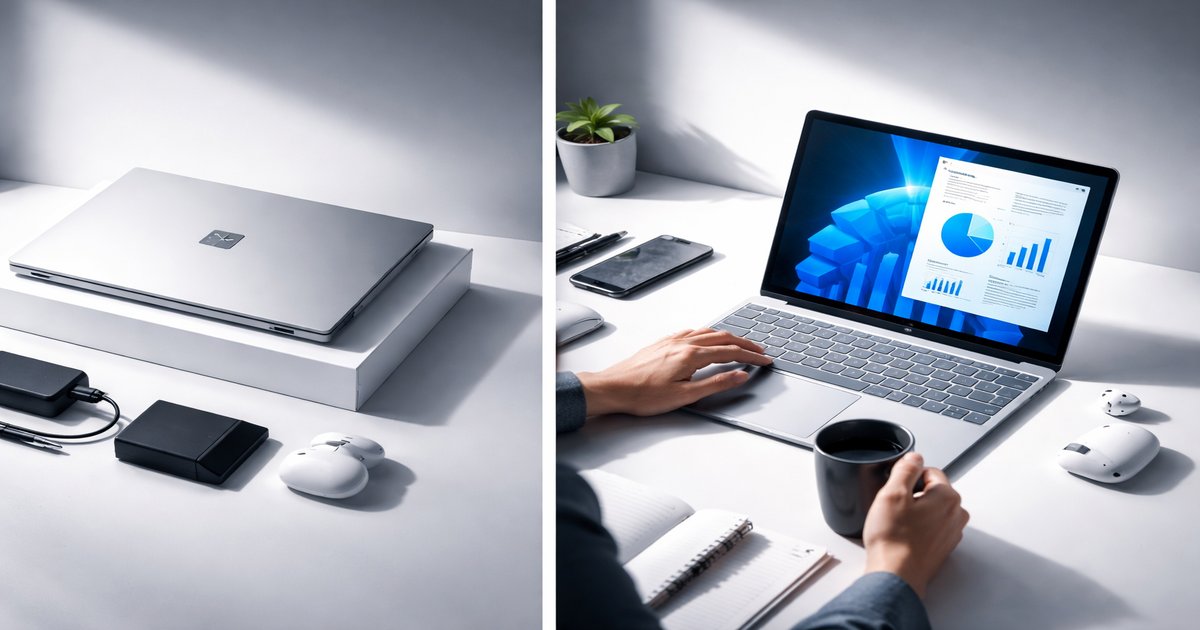
Best for: Creative professionals and frequent travelers
Skip if: You need extensive ports and upgrade options
Performance
With options for Intel Core i5 and i7 processors and up to 16GB of RAM, the Windows Surface handles intensive tasks with ease. Whether you’re editing high-resolution photos or juggling multiple browser tabs, it keeps up without a hitch. However, if you’re into heavy gaming or video rendering, you might start to see its limits. I’ve used it for video conferencing and multitasking with no lag, which is impressive given its compact form.
Design & Build
The design is sleek and professional, making it a head-turner in coffee shops and meetings alike. The magnesium alloy body feels sturdy, yet it’s lightweight enough for daily commutes. The kickstand is a game-changer, offering versatile angles for every task, from typing to sketching. After months of use, the hinge remains reliable, and the screen shows minimal wear, a testament to its durability.
Value for Money
The Windows Surface is not cheap, but it offers considerable value for its price range. You get a versatile device that replaces both a laptop and a tablet. It’s particularly cost-effective if you leverage its full capabilities, like the Surface Pen for design work. If you’re looking for a long-term investment that adapts to various needs, the Surface stands out despite its higher upfront cost compared to standard laptops.
Battery / Durability
Battery life is solid, lasting up to 13.5 hours on a single charge, which aligns closely with my daily use experience. It comfortably lasts through a full day of meetings and presentations. In terms of durability, the Surface has held up well against travel-induced wear and tear. The screen is vibrant and scratch-resistant, while the body shows no signs of bending or damage, even after months of heavy use.
✅ What We Like
- Exceptional build quality and sleek design
- Versatile functionality as both a tablet and laptop
- Responsive touchscreen with vibrant display
- Long-lasting battery life suitable for travel
❌ What Could Be Better
- Limited port options can be restrictive
- High price point may deter budget-conscious buyers
- Not ideal for high-end gaming or intensive graphics work
One thing many overlook is the importance of the Surface’s ecosystem. Accessories like the Surface Pen and Docking Station significantly enhance its functionality. While they add cost, they transform the Surface from a good device into a great one.
Should You Buy the Windows Surface?
If you’re a professional who values portability and versatility without compromising on performance, the Windows Surface is a strong buy. It’s ideal for creatives, business travelers, and anyone who appreciates a device that adapts to different environments. While the price is on the higher side, the functionality and build quality justify the investment for the right user.
Is the Windows Surface compatible with older versions of Windows?
No, the Surface is designed to run Windows 10 and is compatible with Windows 11, ensuring you have the latest features and security updates.
How does the Windows Surface compare to the iPad Pro?
While both are premium devices, the Surface offers more in the way of a full computing experience with Windows OS, making it more versatile for professional use compared to the iPad Pro’s iOS environment.
What is the expected lifespan of the Windows Surface?
With proper care, you can expect the Surface to last around 4-5 years, thanks to its robust build and regular software updates.
What does the warranty cover?
The standard 1-year limited hardware warranty covers defects in materials and workmanship but does not cover accidental damage or misuse.
