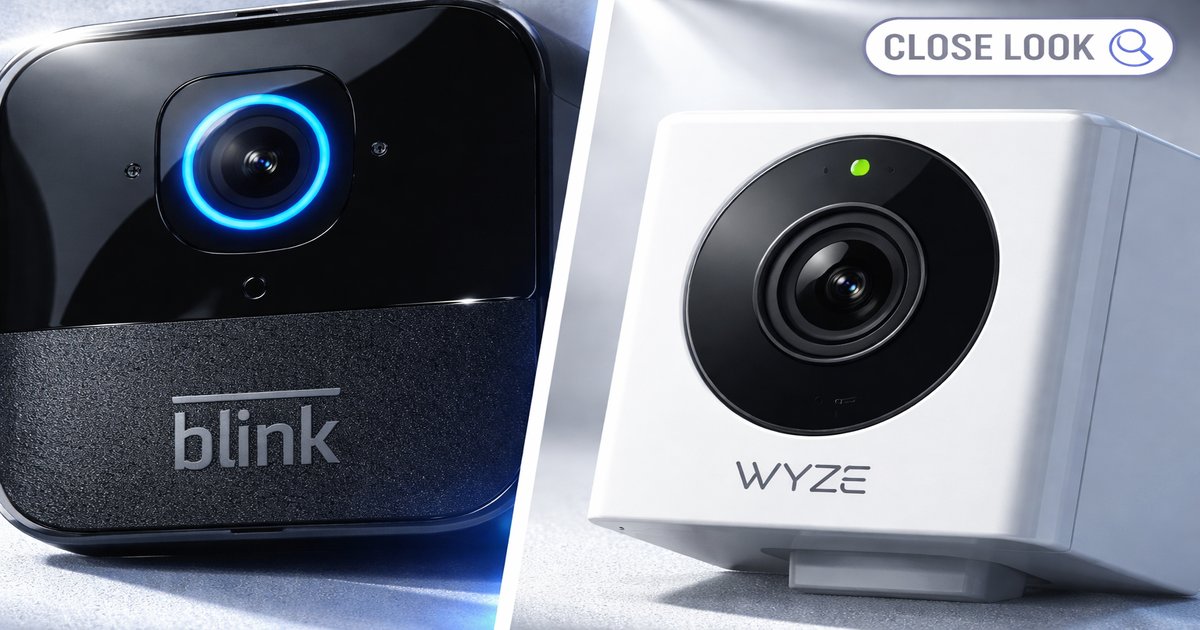
You’ve got a home to protect and a budget to stick to — so which budget-friendly security camera should you trust? The Blink and Wyze Cam are two popular options, each promising to keep an eye on your home. Let’s break down what each one brings to the table.
| Feature | Blink | Wyze Cam |
|---|---|---|
| Resolution | 1080p | 1080p |
| Field of View | 110° | 130° |
| Night Vision | ✓ | ✓ |
| Weatherproof | ✓ | ✗ |
| Battery Life | 2 years | Plug-in |
| Cloud Storage | Optional (subscription) | Free (14-day rolling) |
✅ blink Pros
- Excellent battery life of up to two years.
- Weatherproof design suitable for outdoor use.
- Easy installation with no wires required.
❌ blink Cons
- Limited field of view compared to competitors.
- Cloud storage requires a subscription.
- Lower frame rate in live view mode.
✅ wyze cam Pros
- Affordable with no subscription required for basic features.
- Wide field of view at 130° for better coverage.
- Includes free 14-day cloud storage.
❌ wyze cam Cons
- Not weatherproof, limiting outdoor use.
- Requires a power outlet, reducing installation flexibility.
- Shorter maximum recording time per clip.
Performance: Resolution and Field of View
Both Blink and Wyze Cam offer 1080p resolution, which is more than adequate for spotting intruders or checking in on your pets. However, Wyze Cam edges out Blink with a wider 130° field of view, which means you get more coverage with fewer cameras. If you’re covering a large open space, Wyze’s wider angle might save you from having to buy additional units. Blink’s narrower 110° view could mean blind spots if you’re not strategic with placement.
Installation and Flexibility
Blink wins hands down in terms of installation ease. No wires, no worries — just mount it and forget it. It runs on batteries that last up to two years, so you won’t be stuck fiddling with it every few months. On the flip side, Wyze Cam needs a power outlet, limiting where you can place it. If you want to keep things clean and simple, Blink is the better choice. But if you have accessible power outlets, Wyze’s plug-and-play nature is a non-issue.
Value: Free vs. Subscription Storage
Wyze Cam offers a more compelling value proposition with its free 14-day rolling cloud storage, making it ideal for those who don’t want to be locked into a subscription. Blink offers cloud storage, but it requires a subscription, adding to the long-term costs. If you’re the type who prefers one-time purchases without ongoing expenses, Wyze Cam is the clear winner here. However, Blink’s optional subscription can provide additional features that some users might find beneficial.
Both cameras have limitations that aren’t always advertised. Blink’s battery life can diminish faster in cold climates or with frequent activity. On the other hand, Wyze Cam’s reliance on Wi-Fi means any connectivity issues could leave you momentarily blind. Also, neither camera is the best choice for high-security needs; they’re more for peace of mind than serious surveillance.
Our Final Verdict: Which One Should You Buy?
If you need a camera for outdoor use, where power outlets are scarce, and you prefer a set-it-and-forget-it solution, Blink is your best bet. It’s perfect for those who prioritize ease of use and weather resistance. For indoor use with more flexibility in features and no subscription fees, Wyze Cam is the way to go. It’s ideal for budget-conscious users who want more out-of-the-box functionality.
Can Wyze Cam be used outdoors?
Wyze Cam is not weatherproof, so it’s not recommended for outdoor use without additional housing to protect it from the elements.
How often do you need to replace Blink’s batteries?
Blink’s batteries can last up to two years under normal usage, but if the camera is in a high-traffic area, expect to change them more frequently.
Does the Wyze Cam work with smart home systems?
Yes, Wyze Cam is compatible with Alexa and Google Assistant, allowing for voice control and integration into your smart home setup.
