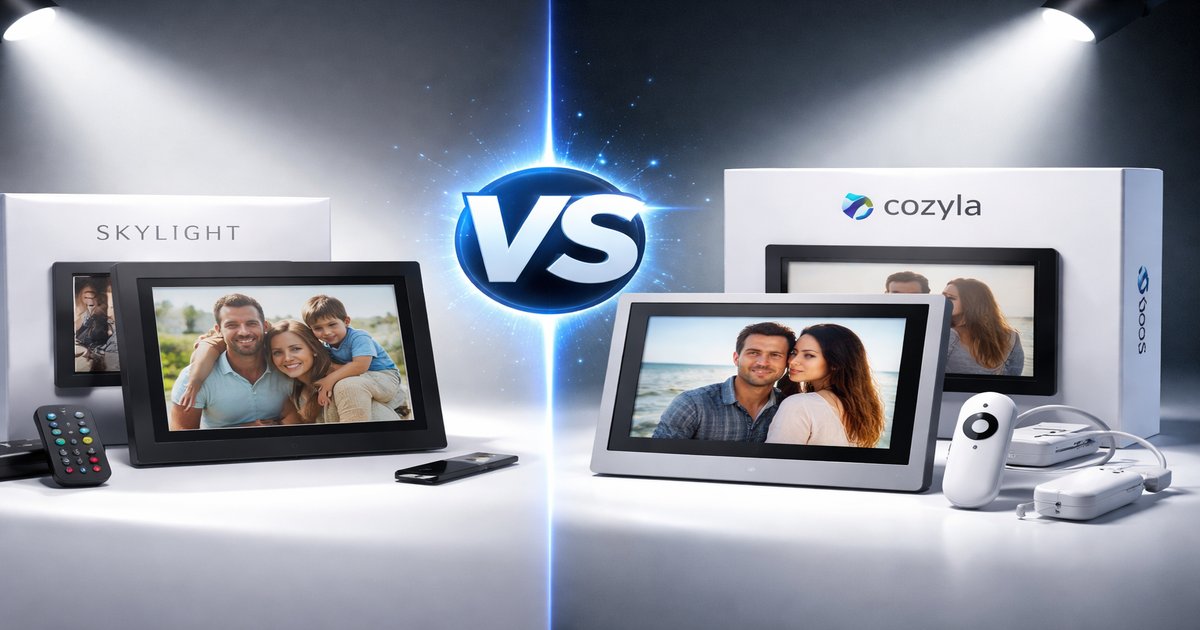
Choosing the right smart home display can feel like picking between two equally compelling Netflix shows. You want something that not only fits your lifestyle but also adds value without unnecessary fluff. Let’s dive into how Skylight and Cozyla stack up when it comes to being your next digital companion.
| Feature | Skylight | Cozyla |
|---|---|---|
| Screen Size | 10 inches | 12 inches |
| Resolution | 1280 x 800 | 1920 x 1080 |
| Voice Control | ✓ | ✗ |
| Wi-Fi Connectivity | ✓ | ✓ |
| Cloud Storage | 10GB | 5GB |
| Subscription Required | ✗ | ✓ |
✅ skylight Pros
- User-friendly interface.
- No subscription needed.
- Voice control capabilities.
❌ skylight Cons
- Lower screen resolution.
- Limited cloud storage.
✅ cozyla Pros
- High-definition display.
- Larger screen size.
- Expandable storage options.
❌ cozyla Cons
- Requires a subscription for full features.
- No voice control.
Performance and Usability
Skylight shines with its voice control, making it ideal for multitaskers who prefer hands-free operation. It’s a breeze to navigate, and you won’t be fumbling around with a remote or touch controls. Cozyla, on the other hand, compensates with an impressive high-definition display. It’s great for those who prioritize visual clarity and size over voice functionalities. For users who want to stream content or view high-resolution images, Cozyla’s superior screen makes a noticeable difference.
Build Quality and Design
Skylight is built with simplicity in mind—minimalistic and straightforward, which can be both a pro and a con depending on what you value. It’s sturdy but lacks the sleekness of more modern designs. Cozyla is larger and feels more premium due to its high-resolution screen and overall build. It’s a bit more of a statement piece for your home, which might appeal if you’re into aesthetics as much as functionality.
Value for Money
Skylight offers a decent bang for your buck, especially since it doesn’t require a subscription. It’s a solid choice if you want basic smart display features without ongoing costs. Cozyla, while requiring a subscription for maximum usability, offers better specs that justify the extra investment for tech aficionados or those wanting a more comprehensive feature set. If you’re willing to shell out a bit more, Cozyla’s superior display and expandable storage are definite perks.
Many reviews skip the detail that Cozyla’s subscription can add up over time, turning what seems like a bargain into a long-term investment. Skylight’s voice control, while handy, sometimes struggles with accents or background noise, which can be frustrating in noisy environments.
Our Final Verdict: Which One Should You Buy?
If you’re looking for a straightforward, no-frills digital frame that gets the job done without emptying your wallet, Skylight is your best bet. It’s perfect for those who value ease of use and voice control. On the other hand, if you prioritize screen quality and are willing to pay for enhanced features, Cozyla is a fantastic choice for tech enthusiasts who appreciate a more immersive viewing experience.
Does Cozyla work without a subscription?
Yes, but its features are limited. The subscription unlocks additional functionalities, including more storage options.
How does Skylight handle updates?
Skylight receives regular firmware updates that improve performance and add new features, ensuring it remains up-to-date.
Is Cozyla’s larger screen worth the extra cost?
If a high-resolution display is important to you, then yes. The larger screen enhances the viewing experience, making it worth the investment for visual-centric users.
