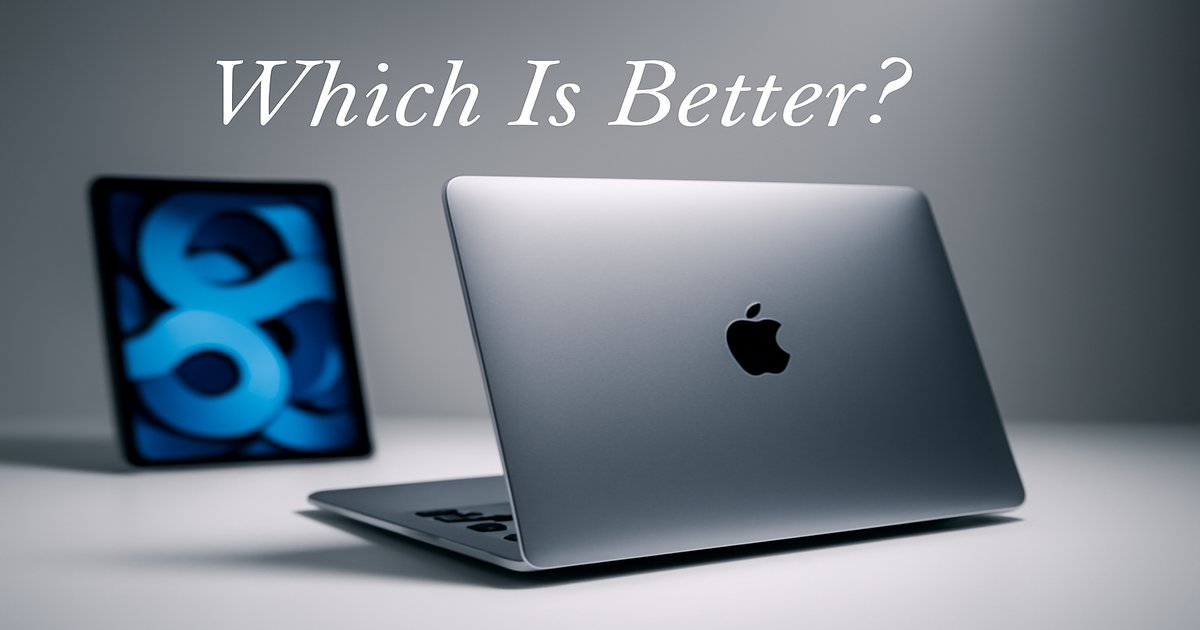
You’re on the hunt for the perfect Apple device to fit your lifestyle, but you’re torn between the MacBook and the iPad. Both are sleek, powerful, and versatile, but they serve different purposes. Let’s dive in and see which one suits your needs best.
| Specification | MacBook | iPad |
|---|---|---|
| Operating System | macOS | iPadOS |
| Processor | Apple M1/M2 | A14/A15 Bionic |
| Keyboard | ✓ | ✗ |
| Touchscreen | ✗ | ✓ |
| Battery Life | Up to 20 hours | Up to 10 hours |
| Weight | 2.8 lbs (MacBook Air) | 1.5 lbs (iPad Pro) |
| Price Range | $999 – $2499 | $329 – $1599 |
✅ macbook Pros
- Robust performance for multitasking and heavy applications.
- Comprehensive macOS for professional software.
- Long battery life for all-day use.
❌ macbook Cons
- Higher price point, especially for Pro models.
- Less portable compared to an iPad.
✅ ipad Pros
- Highly portable and lightweight.
- Touchscreen and Apple Pencil support for creative tasks.
- More affordable entry-level models.
❌ ipad Cons
- Limited productivity for professional-grade tasks.
- Requires additional purchases for keyboard and other accessories.
Performance: A Powerhouse vs. A Handy Companion
The MacBook, especially with the M1 or M2 chip, is a beast for multitasking and running demanding applications like Final Cut Pro or Adobe Photoshop. It’s your go-to for productivity-heavy tasks. On the other hand, the iPad, with its A14 or A15 Bionic chip, excels in responsiveness and ease of use for everyday tasks, gaming, or media consumption. While it can’t match the MacBook in raw power, it offers seamless performance for most of your casual needs.
Build Quality: Solid and Sturdy vs. Sleek and Portable
MacBooks are known for their durability, with aluminum casing and a solid feel that can take a beating in a backpack. They’re built to last and handle the daily grind. Meanwhile, iPads are sleek, light, and extremely portable. They fit effortlessly in a small bag, making them ideal for on-the-go use. While they’re not as rugged as a MacBook, the iPad’s portability is unrivaled, making it perfect for those who prefer a mobile lifestyle.
Value: Cost of Entry vs. Cost of Ownership
A MacBook is an investment. It comes with a higher upfront cost but provides a comprehensive computing experience that’s hard to beat. You pay for the power, the full macOS experience, and longevity. The iPad offers a lower cost of entry, but accessories like keyboards and Apple Pencil can add up. If you’re looking for a budget-friendly option for basic tasks, the iPad is a solid choice, but it lacks the all-in-one functionality of a MacBook.
Don’t overlook the hidden costs with the iPad. You’ll want a keyboard for typing, a stand for desk use, and potentially an Apple Pencil for creative tasks. On the MacBook side, remember that software compatibility is king, and macOS handles it better than iPadOS. If you’re into heavy software, the MacBook is your friend.
Our Final Verdict: Which One Should You Buy?
If you’re a professional or a student who needs a workhorse for serious computing and multitasking, the MacBook is your best bet. It handles everything from coding to video editing with ease. But if you’re someone who values portability, enjoys media consumption, or wants a device for light tasks and creative exploration on the go, the iPad is a fantastic choice. Choose based on what aligns with your daily tech needs.
Is the iPad a good replacement for a laptop?
The iPad can replace a laptop for basic tasks like browsing, streaming, and light productivity. However, for heavy-duty work like video editing or programming, a MacBook is more suitable.
How long can I expect each device to last?
Both devices are built to last. A MacBook can easily serve you well for 5-7 years, while an iPad, depending on usage, can last 3-5 years before you feel the need to upgrade.
Are there compatibility issues between iPadOS and macOS?
While both are Apple ecosystems, macOS supports more professional software. iPadOS is great for apps but can’t run full desktop applications, which might limit professional use.
