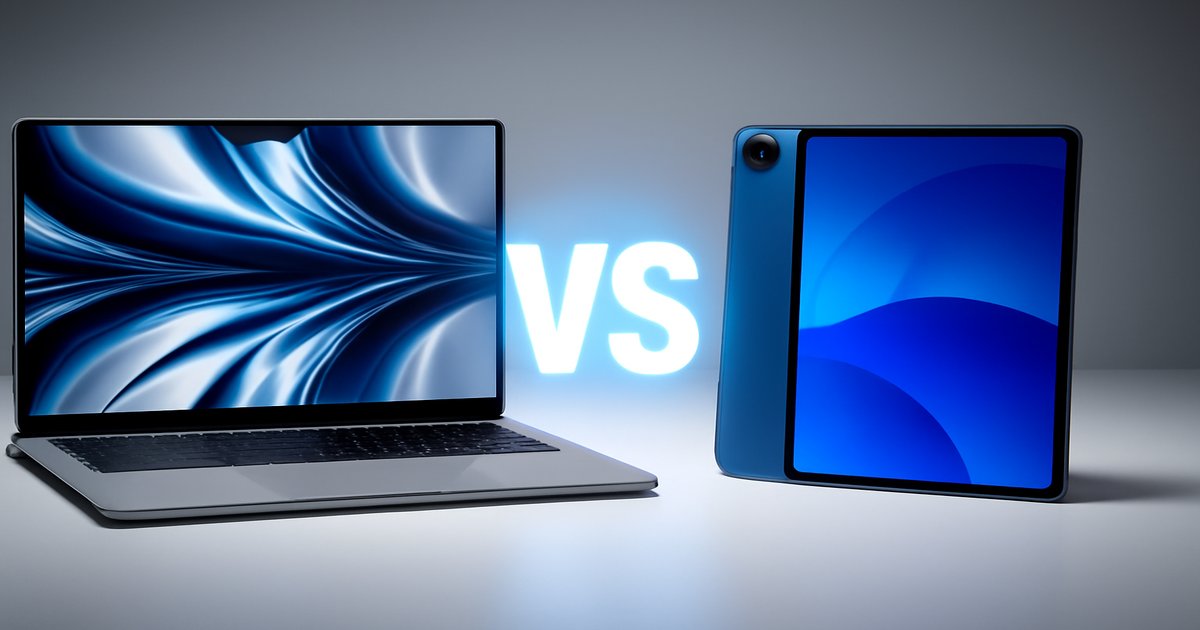
You’re in the market for a new device, but you’re torn between the power of a laptop and the versatility of a tablet. Both the MacBook Pro and iPad Pro promise excellent performance, but which one suits your lifestyle and needs better? Let’s dive into the details to help you make an informed decision.
| Specification | MacBook Pro | iPad Pro |
|---|---|---|
| Processor | M2 Pro | M2 |
| Display | 14-inch Liquid Retina XDR | 12.9-inch Liquid Retina XDR |
| Battery Life | Up to 18 hours | Up to 10 hours |
| Weight | 3.5 pounds | 1.5 pounds |
| Operating System | macOS | iPadOS |
| Keyboard | Integrated | ✗ (Optional) |
| Touchscreen | ✗ | ✓ |
✅ macbook pro Pros
- Superior processing power for demanding tasks.
- Integrated keyboard and larger screen enhance productivity.
- Long battery life suitable for all-day use.
❌ macbook pro Cons
- Heavier and less portable than a tablet.
- Higher price point compared to the iPad Pro.
✅ ipad pro Pros
- Lightweight and ultra-portable for on-the-go use.
- Touchscreen and Apple Pencil support for creative tasks.
- Fast M2 chip delivers excellent performance.
❌ ipad pro Cons
- Keyboard and other accessories sold separately.
- Limited multitasking capabilities compared to macOS.
Performance
When it comes to raw power, the MacBook Pro takes the cake with the M2 Pro chip, perfect for video editing, software development, or other resource-intensive tasks. The iPad Pro, with its M2 chip, is no slouch either, handling everyday tasks and even some heavier workloads like a champ. But if you’re running complex applications that require substantial computing power, the MacBook Pro is the clear winner.
Build Quality
Both devices boast Apple’s signature sleek design, but they cater to different needs. The MacBook Pro is solid, with a premium metal chassis that feels durable and well-built, ideal for a workhorse laptop. The iPad Pro offers a similar build quality but is much lighter, making it perfect for carrying around all day. If you’re frequently mobile, the iPad Pro’s lightweight design is a blessing.
Value for Money
The MacBook Pro is a significant investment, but you get a lot of bang for your buck in terms of performance and functionality. It’s a powerhouse that can replace your traditional desktop setup. The iPad Pro, on the other hand, offers great value for those who prioritize portability and versatility. However, adding essential accessories like the Magic Keyboard can quickly increase the cost, eroding some of its price advantage.
The MacBook Pro is fantastic, but it’s overkill if you’re only doing basic tasks like browsing or streaming. Meanwhile, the iPad Pro, while powerful, struggles to fully replace a laptop for professional workflows without additional peripherals. Don’t forget, the iPad Pro’s storage isn’t as expandable as the MacBook’s, locking you into your initial choice.
Our Final Verdict: Which One Should You Buy?
If you’re a professional needing a workhorse for video editing, coding, or heavy multitasking, the MacBook Pro is your best bet. It’s built for power users who demand performance and reliability. However, if your work is more creative or you’re frequently on the go, the iPad Pro offers portability and flexibility that can’t be beat. It’s perfect for artists, students, or anyone who values mobility over sheer power.
Can the iPad Pro replace a laptop?
It depends on your needs. For basic tasks and creative work, yes. For professional-grade multitasking or programming, not without limitations.
Is the MacBook Pro too heavy for travel?
At 3.5 pounds, it’s not the lightest option, but it’s manageable for travel. If weight is a concern, consider the more portable iPad Pro.
Do I need to buy extra accessories for the iPad Pro?
To maximize its potential, you’ll likely want the Magic Keyboard and Apple Pencil, which add to the cost but significantly enhance functionality.
