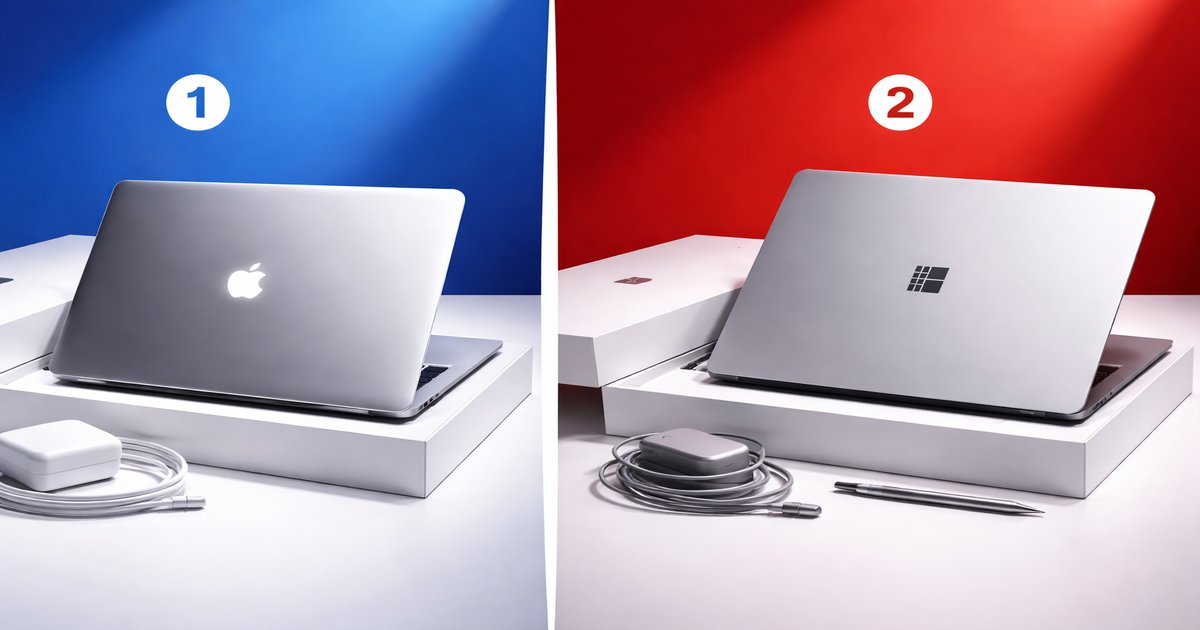
You’re in the market for a new laptop and the decision comes down to two sleek contenders: the Apple MacBook Air and the Microsoft Surface. Both promise portability and performance, but which one truly deserves a spot in your backpack?
| Specification | MacBook Air | Microsoft Surface |
|---|---|---|
| Processor | Apple M2 | Intel Core i5/i7 or AMD Ryzen 5/7 |
| RAM | 8GB/16GB | 8GB/16GB/32GB |
| Storage | 256GB/512GB/1TB/2TB SSD | 128GB/256GB/512GB/1TB SSD |
| Display | 13.6-inch Retina | 13-inch PixelSense |
| Battery Life | Up to 18 hours | Up to 15.5 hours |
| Operating System | macOS | Windows 10/11 |
| Touchscreen | ✗ | ✓ |
✅ macbook air Pros
- Exceptional battery life for all-day productivity.
- Sleek, lightweight design makes it ultra-portable.
- Superb performance thanks to the M2 chip.
❌ macbook air Cons
- No touchscreen option, limiting direct interaction.
- Limited ports can be a hassle for peripherals.
✅ microsoft surface Pros
- Highly versatile with a touchscreen and 2-in-1 design.
- Offers a wider range of configurations and price points.
- Seamless integration with Windows software and services.
❌ microsoft surface Cons
- Battery life lags behind the MacBook Air.
- Performance can vary significantly based on configuration.
Performance
The MacBook Air’s M2 chip is a game-changer, delivering power-efficient performance that lets you juggle multiple apps without a hiccup. Whether you’re editing videos or running intensive software, this laptop handles it with ease. The Microsoft Surface, while offering decent performance, varies based on the configuration you choose. An Intel Core i5 might struggle with heavy tasks, whereas an i7 or Ryzen 7 fares better. If raw performance is your priority, the MacBook Air has the edge.
Build Quality
Apple’s MacBook Air is crafted from a single block of aluminum, giving it a robust yet feather-light feel. It’s a design marvel that doesn’t compromise on aesthetics or durability. The Surface, with its magnesium alloy body, is also built to last but lacks the premium touch of the MacBook. However, the Surface’s 2-in-1 capability does add a layer of flexibility that the Air lacks. If you want a laptop that’s both durable and versatile, the Surface might be your pick.
Value
The MacBook Air starts at a higher price point, but its longevity and performance can justify the investment over time. You’re buying into a well-oiled ecosystem that’s hard to beat. The Surface, on the other hand, offers a range of prices and specs, making it more accessible to budget-conscious buyers. If you need a device that can function as both a laptop and a tablet, the Surface provides value through versatility.
Both devices are stellar, but beware of hidden costs. The MacBook Air may require dongles or adapters due to its limited ports. The Surface’s battery life can be a letdown if you’re frequently mobile. Also, certain Surface models may underperform without a higher-end configuration.
Our Final Verdict: Which One Should You Buy?
The MacBook Air is perfect for someone who values performance, battery life, and seamless integration within the Apple ecosystem. If you’re a creative professional or frequent traveler, it’s a reliable choice. The Microsoft Surface is ideal for those who need flexibility, a touchscreen, and the familiarity of Windows. If you’re a student or someone who uses a variety of peripherals, the Surface’s versatility is hard to beat.
Is the MacBook Air’s lack of a touchscreen a dealbreaker?
If you rely heavily on touch interactions for creative or professional work, it might limit your experience. However, for traditional laptop usage, it’s not a major drawback.
Can the Surface truly replace a desktop?
With the right configuration, the Surface can handle most tasks a desktop does, but for extremely heavy workloads, a dedicated desktop might still be superior.
How do these devices hold up over time?
Both devices are built to last, but the MacBook Air’s closed ecosystem generally ensures longer software support and reliability over the years.
