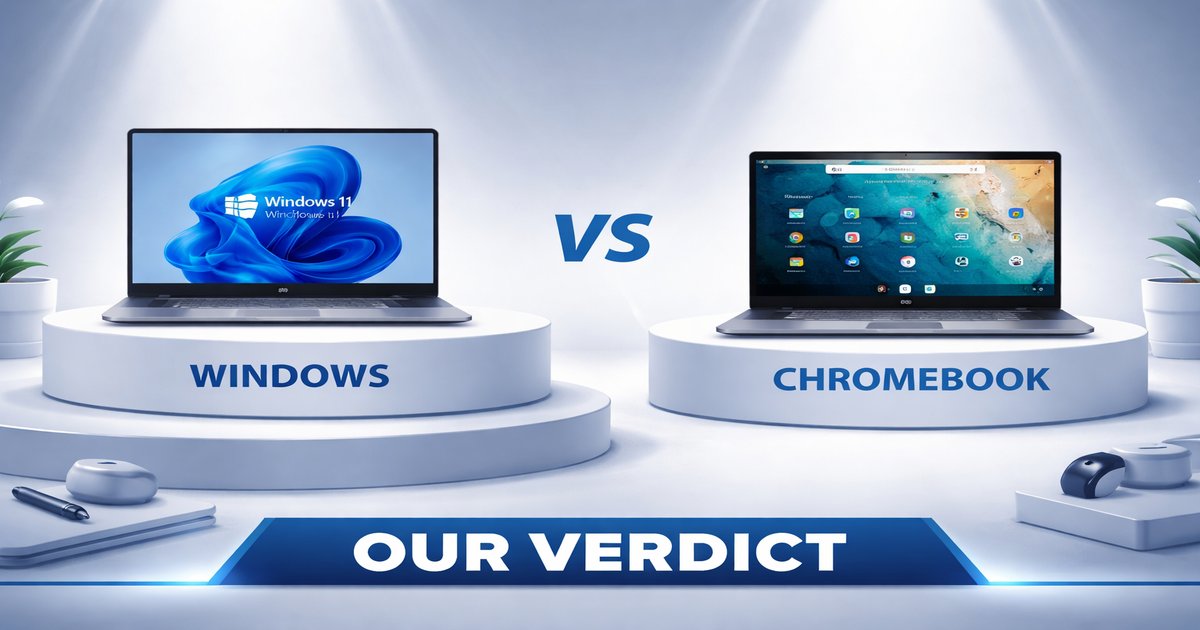
You’re in the market for a laptop and the options are overwhelming. Do you go with a classic Windows machine or jump into the cloud-centric world of Chromebooks? Let’s break it down so you can make a decision that fits your lifestyle and needs.
| Feature | Windows | Chromebook |
|---|---|---|
| Operating System | Windows 10/11 | Chrome OS |
| Price Range | $300 – $3000+ | $200 – $700 |
| App Compatibility | Extensive | Limited, Android apps |
| Battery Life | 4-10 hours | 8-12 hours |
| Storage Options | 256GB – 2TB | 16GB – 128GB |
| Offline Capability | ✓ | ✗ |
| Portability | ✗ (heavier) | ✓ (lighter) |
✅ windows Pros
- Wide range of software and app compatibility, including professional-grade tools.
- Highly customizable hardware and software configurations.
- Robust offline capabilities for when you’re not connected to the internet.
❌ windows Cons
- Can be significantly more expensive, especially for high-end models.
- Battery life often lags behind Chromebooks.
- Bulkier and heavier, making them less ideal for travel.
✅ chromebook Pros
- More affordable, making them accessible for budget-conscious buyers.
- Excellent battery life, ideal for travel or long days outside the office.
- Lightweight and portable, perfect for students and commuters.
❌ chromebook Cons
- Limited functionality offline, heavily reliant on internet access.
- Restrictive app ecosystem compared to Windows.
- Limited storage options can be a bottleneck for power users.
Performance and Software Ecosystem
Windows laptops blow Chromebooks out of the water when it comes to performance and software availability. If you’re running heavy applications like Adobe Suite, AutoCAD, or high-end games, Windows is your only realistic option. Chromebooks, while improving, still can’t handle the same workload, limited by their reliance on web apps and Android apps. If all you need is a word processor and web browser, a Chromebook will do. But if you need serious computing power, Windows is the way to go.
Portability and Battery Life
Chromebooks have a clear edge in this department. They’re lightweight, making them a dream to carry around campus or during travel. Their battery life is often significantly longer, usually lasting a full workday without needing a recharge. In contrast, Windows laptops are generally heavier and more power-hungry, meaning you’ll often be searching for an outlet by mid-afternoon. If you’re always on the move and hate carrying a charger, a Chromebook is more your speed.
Value and Future-Proofing
While Chromebooks are cheaper upfront, they might not offer the best long-term value. Their limited storage and app compatibility can become frustrating as your needs grow. Windows offers more future-proofing with broader hardware compatibility and upgrade options. If you need a machine that will grow with your needs, even if it costs more initially, Windows is a safer bet.
Chromebooks are not built for gaming or intensive tasks. If you’re thinking you’ll adapt it to be a multi-functional powerhouse, think again. Windows machines have their flaws too; they often come with bloatware and require regular maintenance. Neither is perfect, but understanding these limitations will save you from buyer’s remorse.
Our Final Verdict: Which One Should You Buy?
If you’re a student, frequent traveler, or someone who primarily lives in the cloud, go for a Chromebook. It’s cost-effective, lightweight, and the battery will last all day. On the other hand, if you need a workhorse that runs demanding software, or if you’re a gamer, a Windows laptop is your best bet despite its higher cost and bulk. Choose according to your lifestyle, and you won’t be disappointed.
Can I run Microsoft Office on a Chromebook?
Yes, but with limitations. You can use the web versions of Word, Excel, and PowerPoint, or download the Android app versions from the Google Play Store. However, features might not be as comprehensive as the desktop version on Windows.
Are Windows laptops good for gaming?
Absolutely, especially if you invest in a model with a dedicated graphics card. Windows supports a wide range of games and gaming platforms, making it the better choice for gamers.
How long do Chromebooks typically last?
Chromebooks generally receive automatic updates for about five to eight years from the release date. Hardware-wise, they can last as long as you take good care of them, but their limited storage and processing power may feel outdated sooner.
